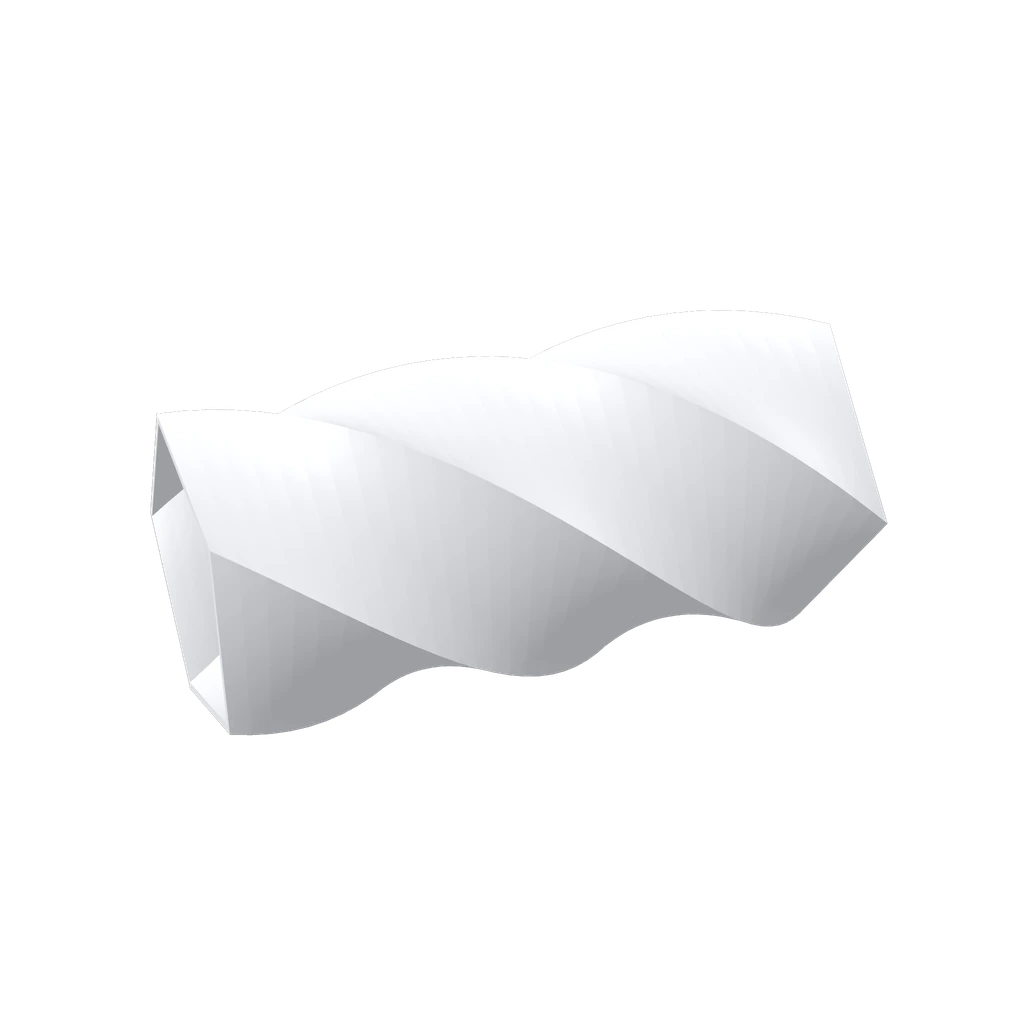
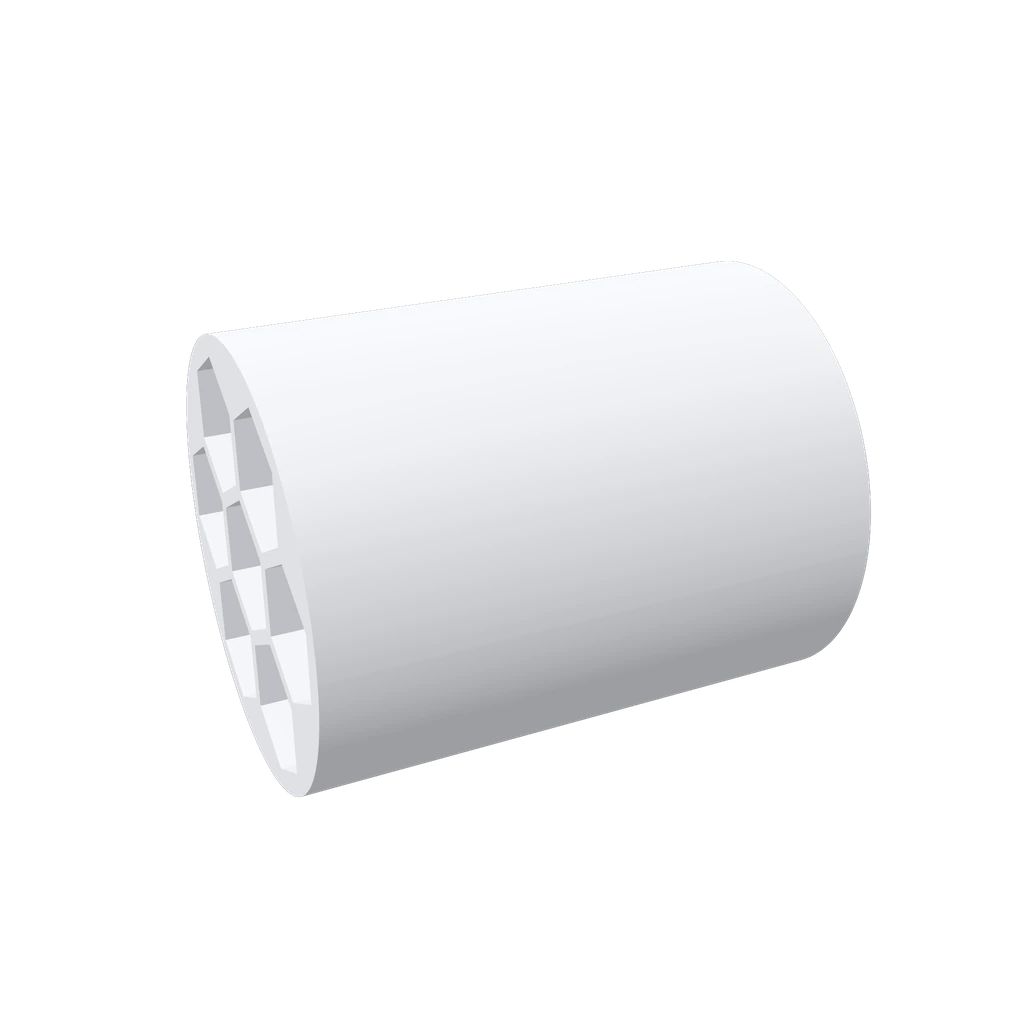
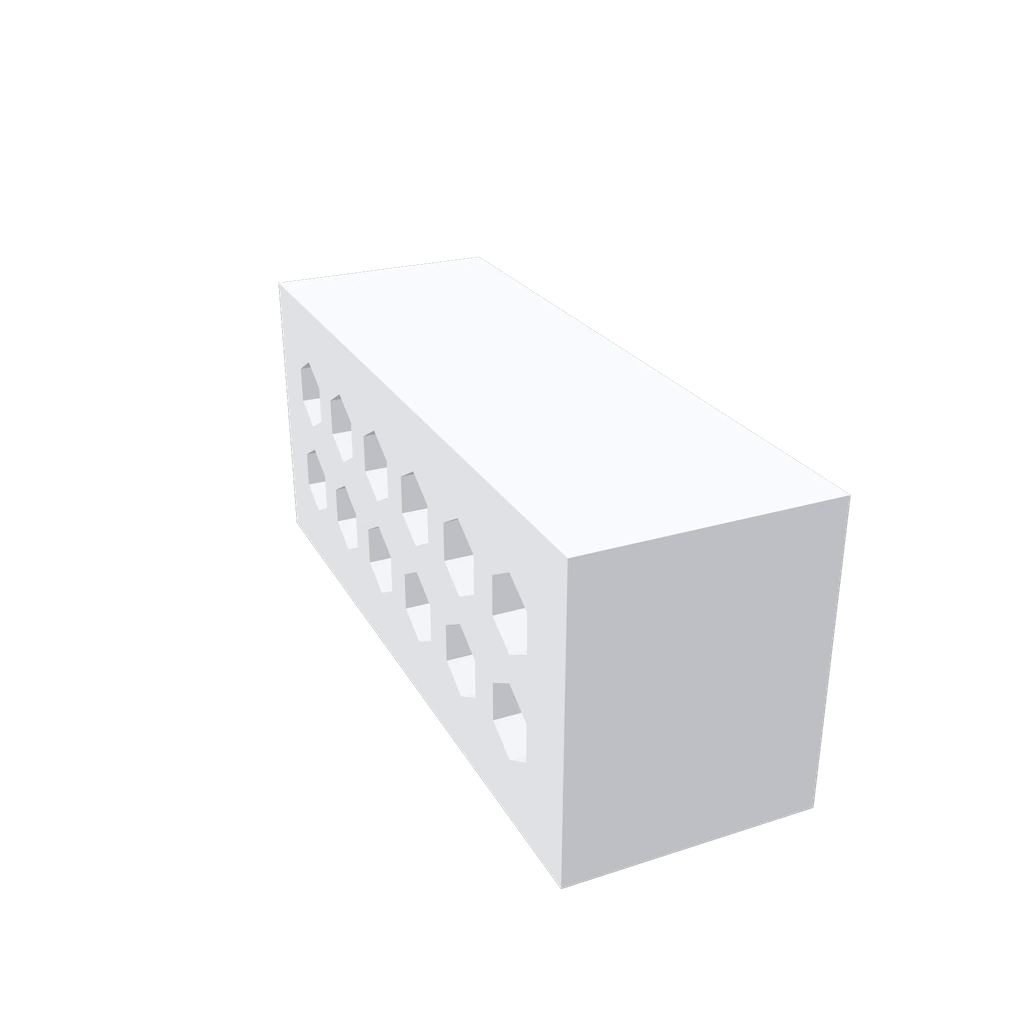

STEP · STL · GLB. Parametric, not mesh. MM-exact. Free to start.
Not a mesh blob. A part.
Mesh generators output frozen triangles. Meshra writes parametric CAD on a real geometry kernel: exact dimensions, editable forever, files machines accept.
Mesh generator output · frozen triangles · no dimensions
Idea to object
Describe
Type the part you need in plain English. Dimensions, holes, fits: the AI reads them all and writes real CAD code.
Tune
Every part comes back with its dimensions as live sliders. Drag, watch the geometry rebuild, repeat until it fits.
Export manufacturing-grade STEP for CAD work or a print-ready STL for the slicer. Print it tonight.
Every dimension is a slider.
Change the bore, the spacing, the wall. The same code re-executes with your numbers: no AI roulette, no re-prompting, no waiting. Sliders are free on every plan.
Parameters
Re-executes the same code · no AI call · free on every plan
Proven starters. Zero blank canvas.
Vases, scoops, organizers, bit holders: open one, drag the sliders to your sizes, download. No AI call, no cost, no sign-up.
Mesh toys vs. real parts
| Spec | Meshra | AI mesh generators | Traditional CAD |
|---|---|---|---|
| Input | Plain English (or a photo) | Prompt or image | Sketches and feature trees |
| Output | Parametric B-rep solid | Frozen triangle mesh | Parametric solid |
| Edit after generating | Sliders and chat, instant | Re-roll and hope | Full control, by hand |
| Print-ready files | Watertight STEP · STL · GLB | Mesh cleanup usually needed | Yes, after export setup |
| Exact dimensions | Real millimeters, guaranteed | Approximate at best | Exact |
| CAD skills required | None | None | Months of practice |
Shared by the community
Real parts, made with Meshra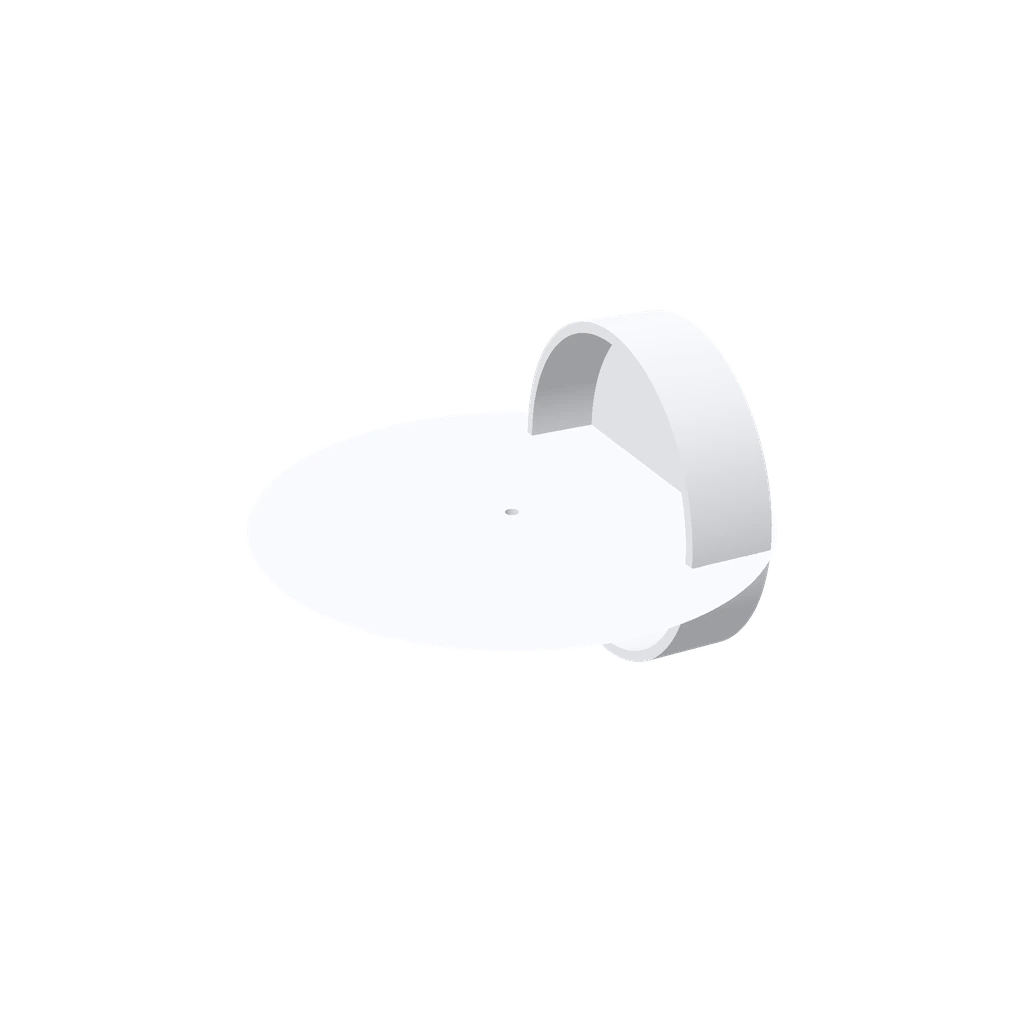
Generate this modak agarbati stick stand hplder
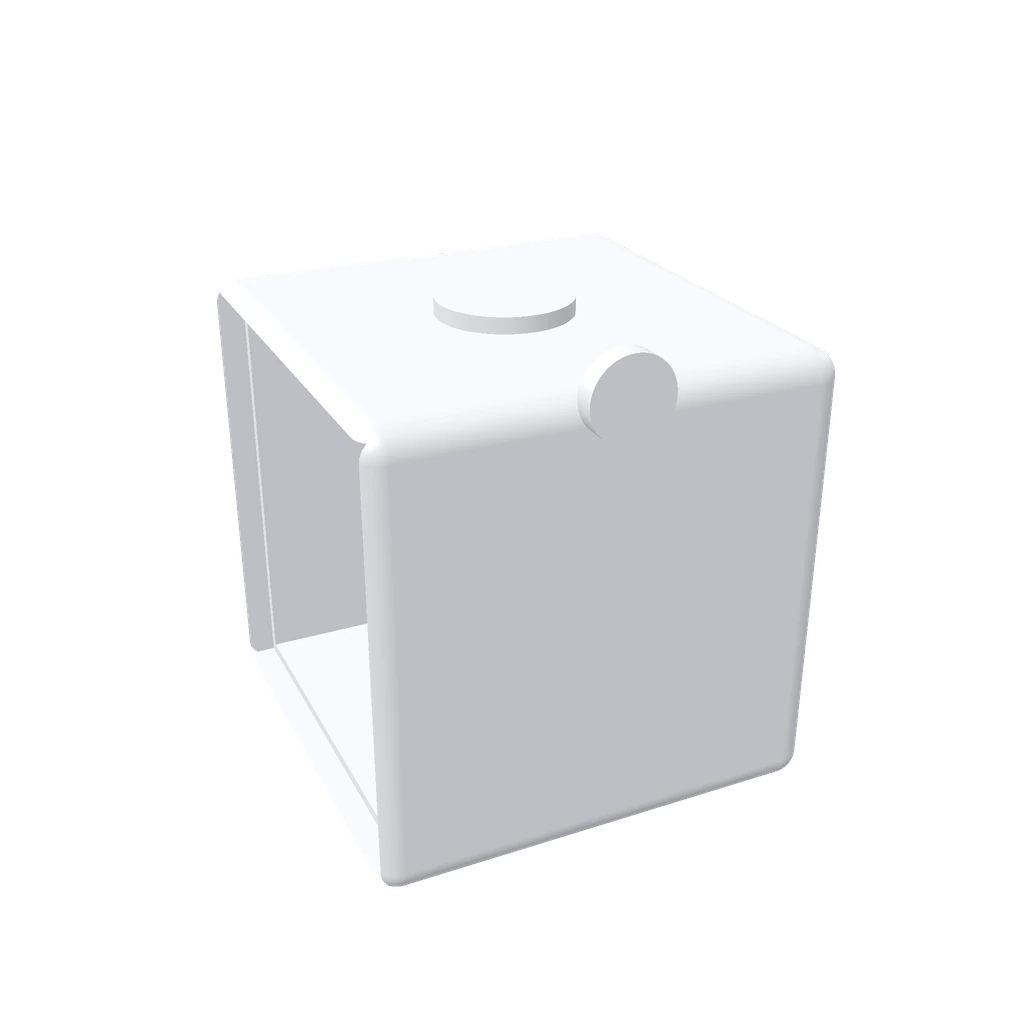
"Diseña la base de un cubo sensorial hueco para electrónica, apto para niños. Dimens…
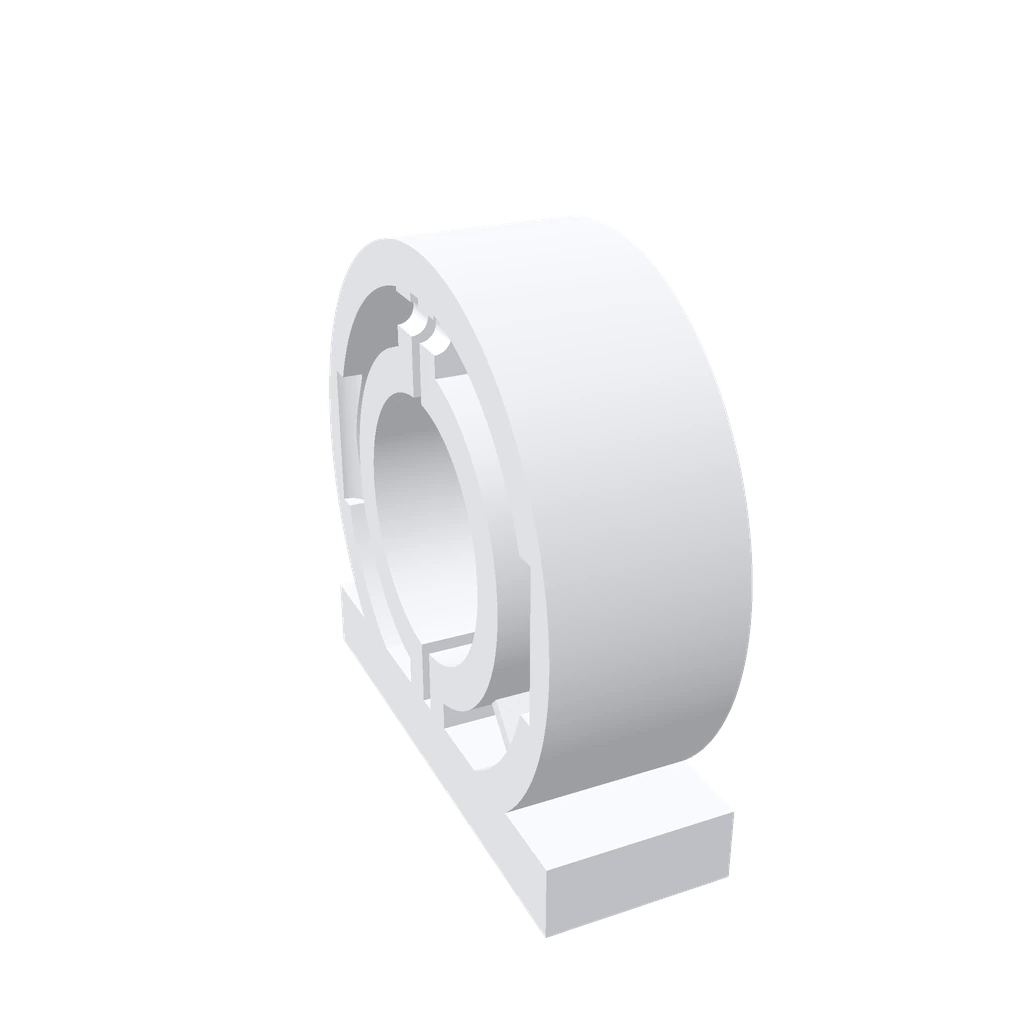
A vibration-damping motor mount with M3 captive inserts
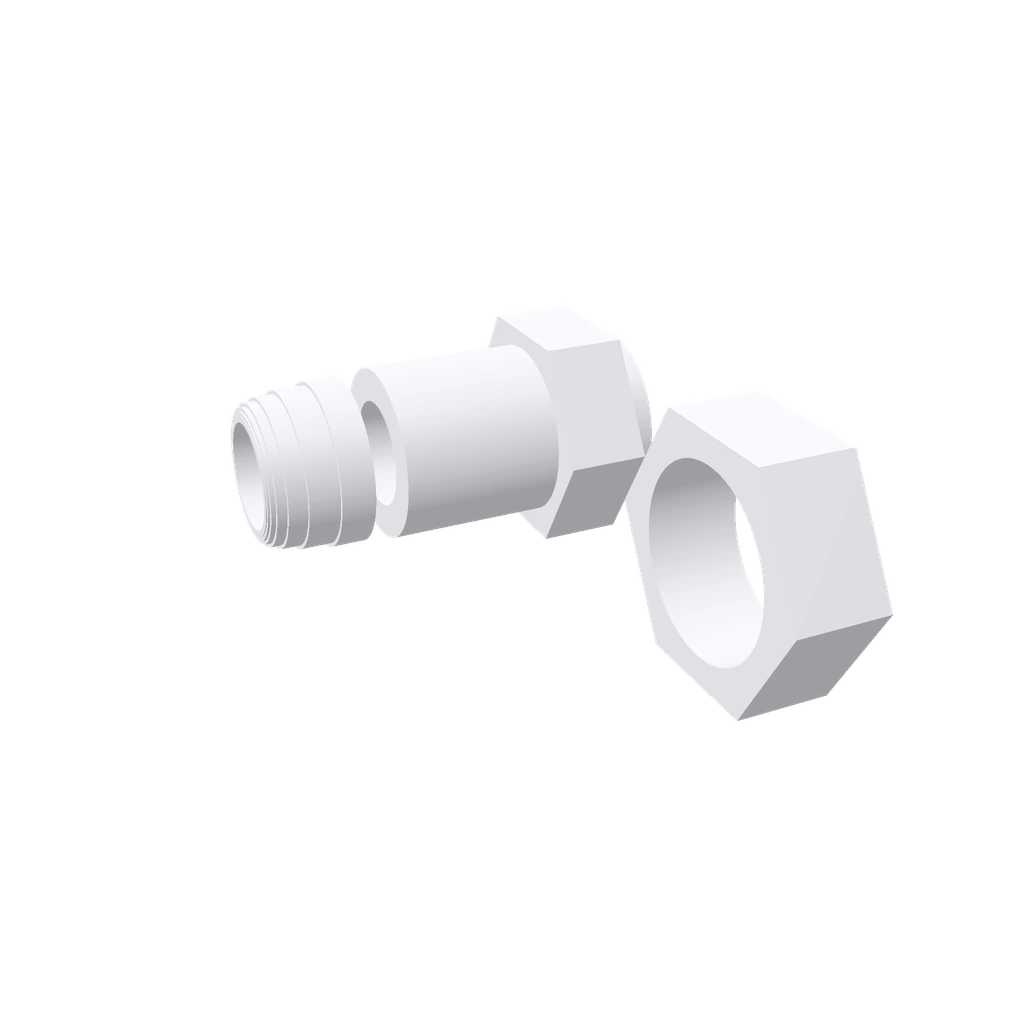
A cable strain-relief gland with helical ribbing for 8mm conduit
Free to make. Cheap to make more.
Start free. Upgrade when you need more generations or the API.
Free
- 1 AI chat generation per day
- 3 starter renders per day
- Browse the full template gallery
- Tweak parameters live
- Download STEP / STL / GLB
Maker
- Unlimited starter + gift renders
- Param tweaks unlimited
- 5 AI chat generations per day
- Download STEP / STL / GLB
- Email support
Pro
- Everything in Maker
- 15 AI chat generations per day
- Public API access (15/day shared)
- Webhook support (coming soon)
- Priority support
Full plan details on the pricing page.
Common questions
Can AI really generate CAD files?+
Yes. Meshra turns a plain-English description into real parametric CAD built on a professional boundary-representation kernel, not a frozen mesh. You get editable solid geometry with its key dimensions exposed as sliders.
Can I 3D print the models Meshra makes?+
Yes. Every part exports a watertight, print-ready STL for your slicer, along with STEP for CAD work and GLB for the web. Geometry is built as manifold solids suited to FDM and resin printing.
What file formats can I export?+
STEP, STL, and GLB. Use STEP for downstream CAD, STL for slicing and 3D printing, and GLB for web or AR viewers.
Do I need CAD experience to use it?+
No. Describe the part in everyday language, then fine-tune the result with sliders. There is no CAD software to learn and nothing to install.
Can I edit a part after it is generated?+
Yes. Drag the dimension sliders to resize it instantly with no AI call, or ask in chat for a change like thicker walls or an extra hole. Meshra edits the existing model and keeps a version history you can roll back.
Is Meshra free?+
Yes. The free tier includes 1 AI chat generation per day, 3 starter renders per day, and STEP, STL, and GLB downloads at no cost. Paid plans from $19 per month add more AI generations and unlimited renders.